The Inmate Canteen facilitates inmates using their privileges to stay in touch with their families and friends via email, messages, voice, and video calls. But every inmate can lose all of their rights if they are caught abusing the services of the Inmate Canteen, which is under TurnKey Corrections (TKC).
Given the many services provided to communicate with your loved one in prison, it’s not wrong if you try to use them. Just like other prison communication systems, you only need to create an account first in order to use it, and it’s quite simple.
Let’s get started!
Setting Up Your Inmate Canteen Account
Your account can be created through the official website Inmate Canteen Team 3.
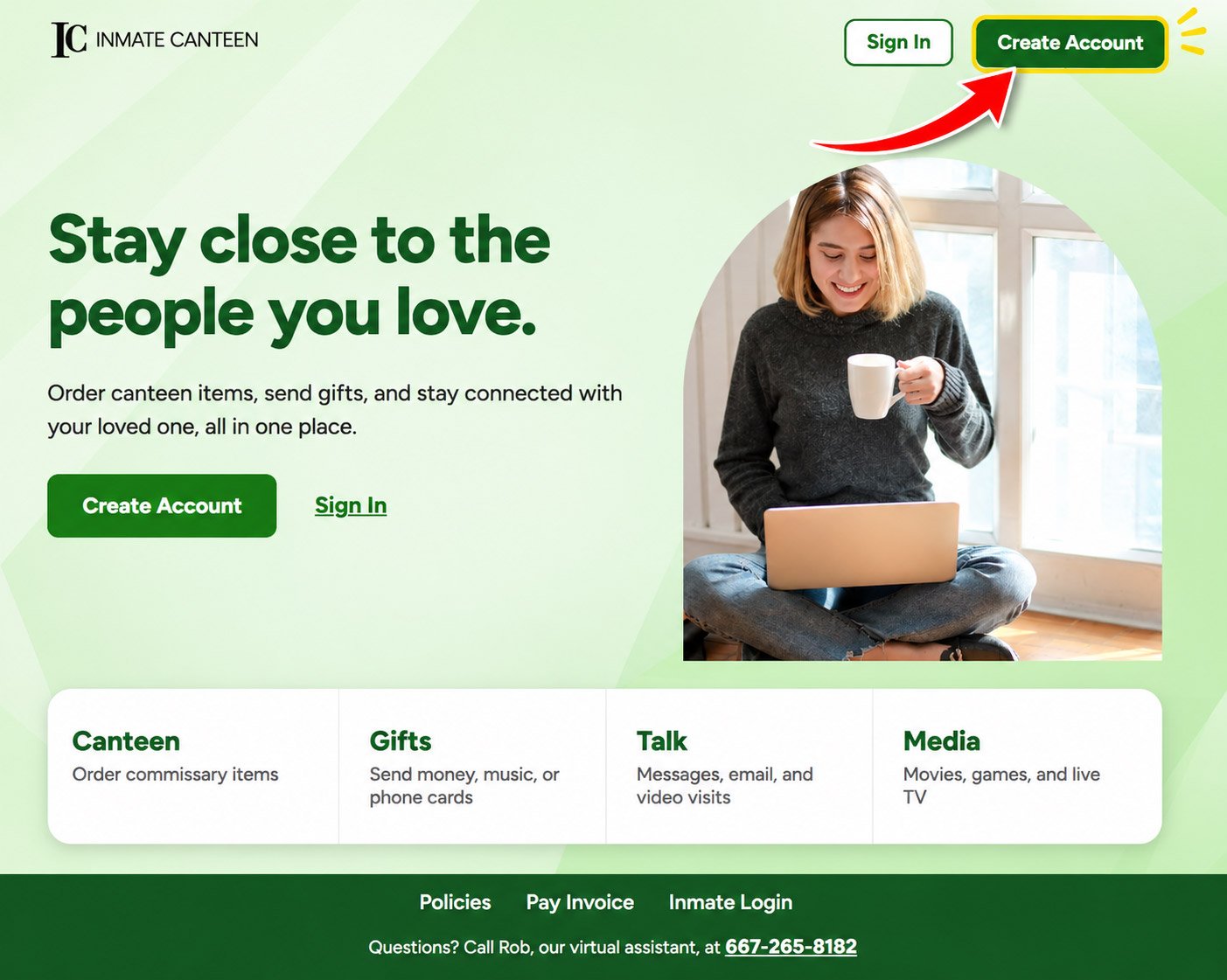
Once you’re at the homepage of the Inmate Canteen, you can click “Create Account.”
On the following page, you can fill out your personal information, including your first and last name, your email, and your password.
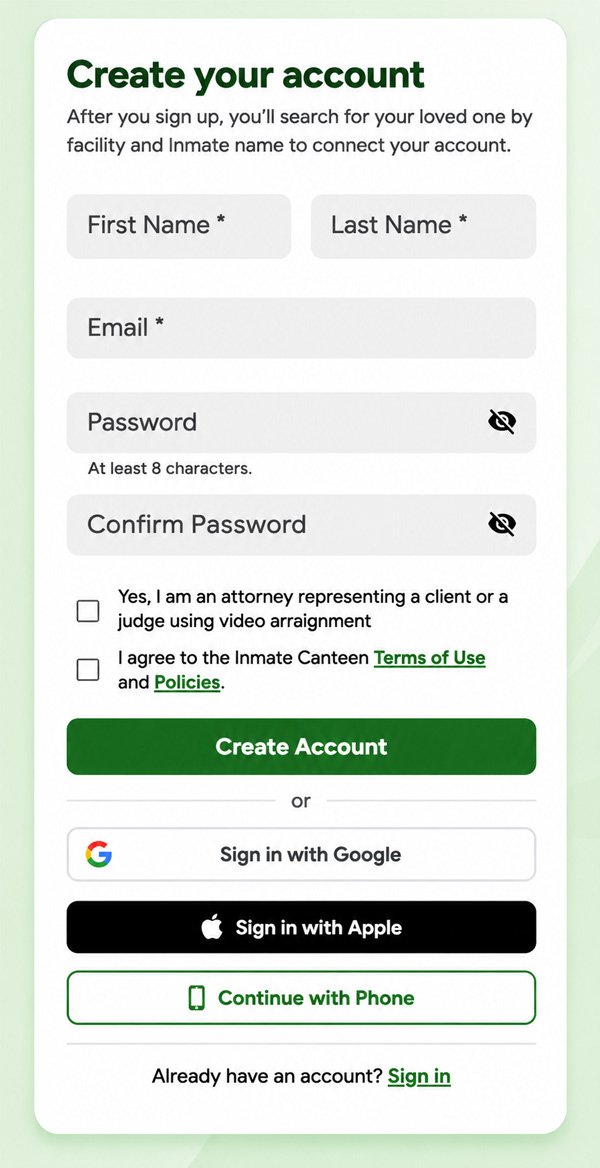
Check the box if you’re an attorney who represents your client and uses the Inmate Canteen services, and ✔ “I agree to their Terms of Use and Policies”.
Then, click the “Create Account” button.
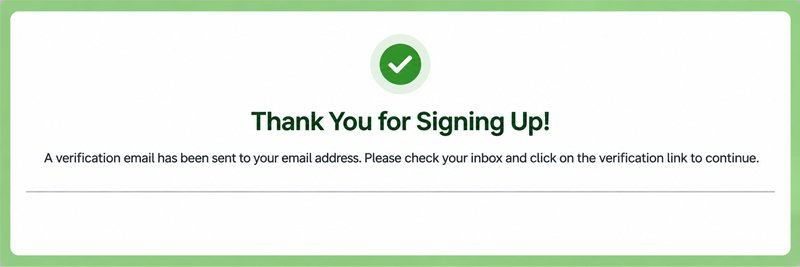
Check your inbox for a verification email containing the activation link.
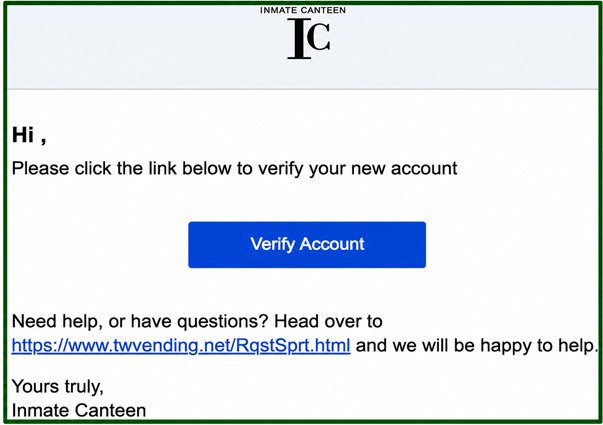
Click “Verify Account” to continue.
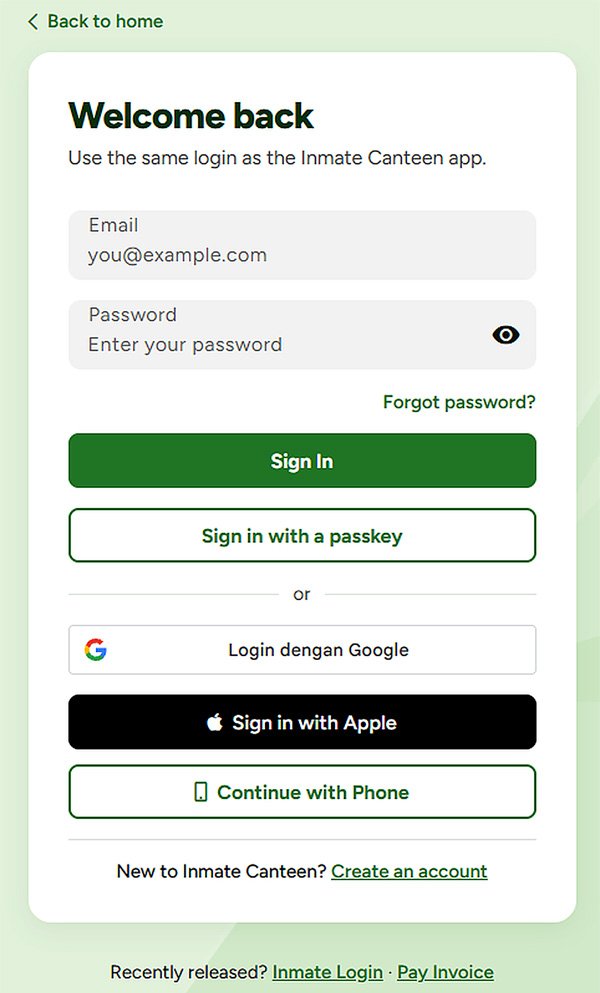
After clicking it, you’ll be taken to the login page.
At this point, you’ve successfully set up your Inmate Canteen account.
Logging into Your Inmate Canteen Account
Now, you can try to log into your Inmate Canteen account to start using its services.
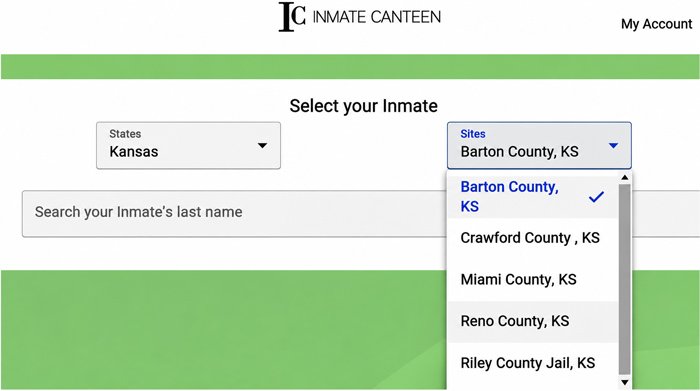
After logging in, you can then select an inmate first before using one of the other Canteen services.
Select “States.”
Choose the facility where the inmate is incarcerated.
Then, enter the inmate’s last name. If you don’t know their last name, you can only enter their initials.
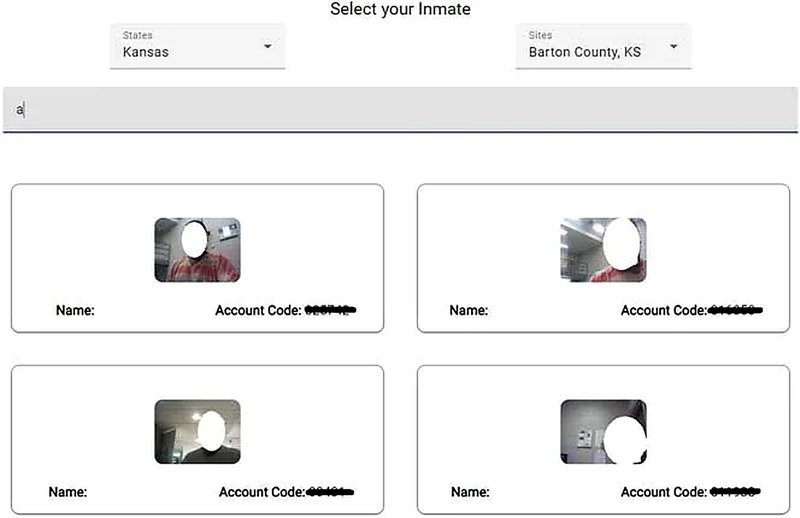
If the page brings up the list of inmates, you can scroll it down to find the inmate you’re looking for.
Once you have found one, you can start doing what you want to do with the inmate.
Can You Change Your Inmate Canteen Password?
Sure, yes.
You can change your password on Inmate Canteen through “My Account,” which you can find on the right side of your screen.
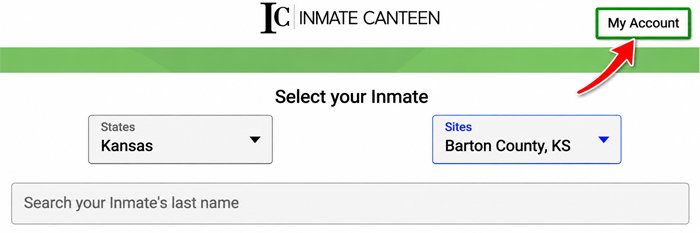
From the My Account menu, select the “Change Password” tab.
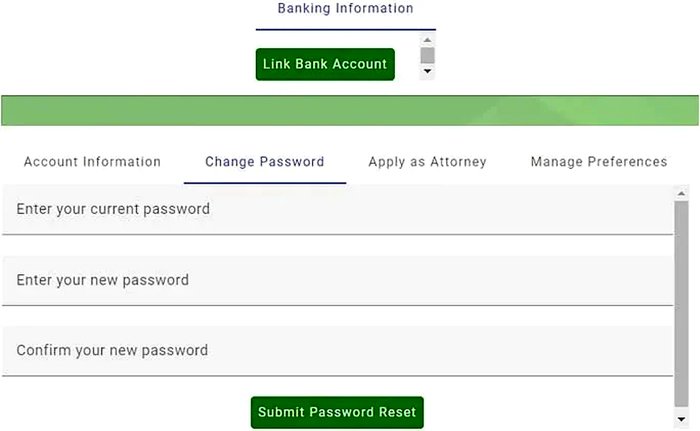
You can then enter your current password, followed by your new password, and then confirm it. Click “Submit Password Reset.”
Now that you have changed your password, make sure to use your new one to log in.
What If You Forgot Your Password?
If you can’t log into your Inmate Account since you forgot your password, you can easily recover it.
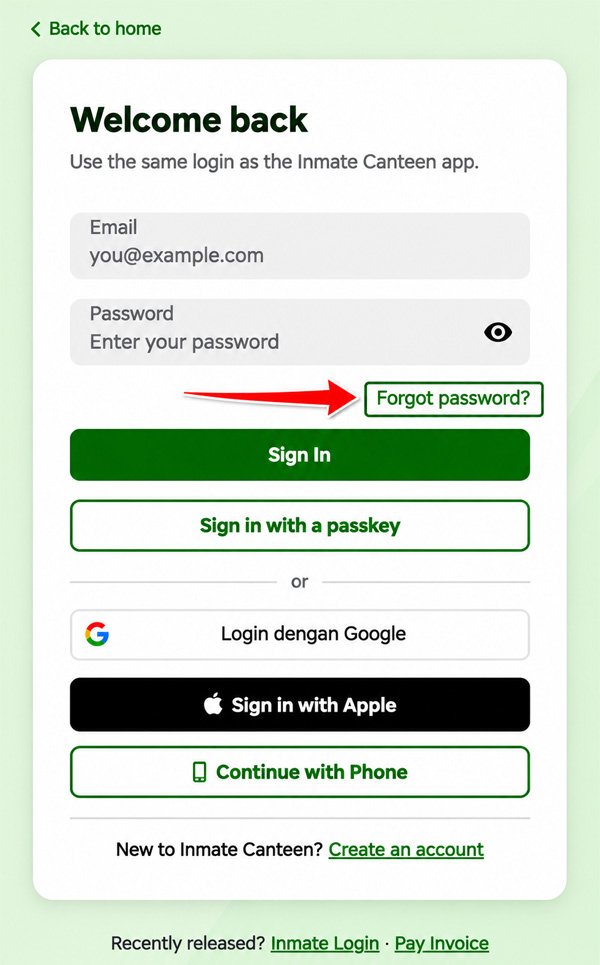
From the login page, click “Forgot password?”
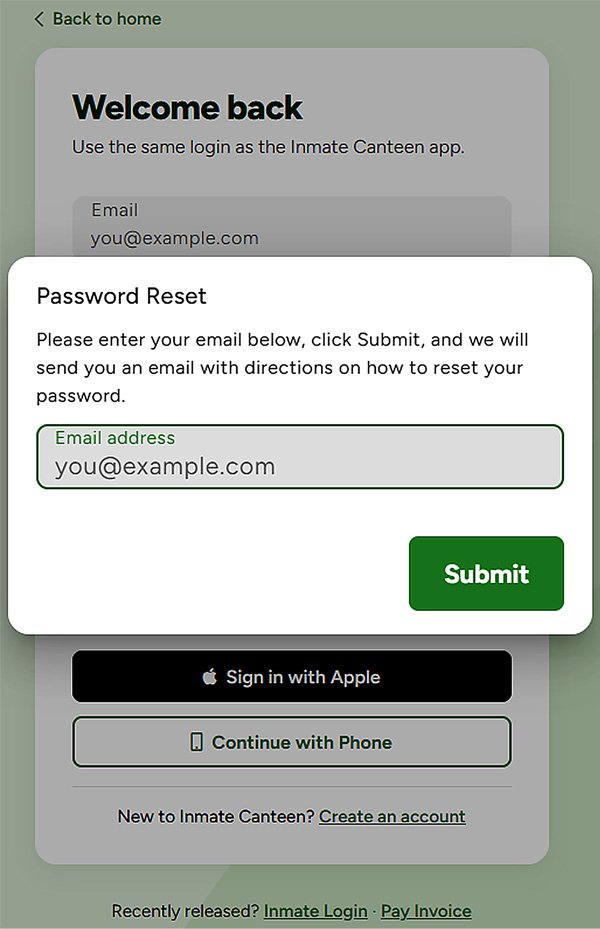
The dialog box will pop up, allowing you to enter your email address. After entering it, click “Submit.”
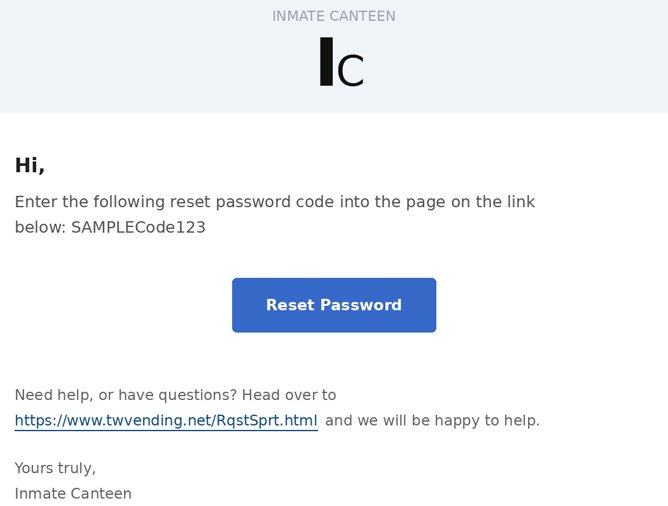
Inmate Canteen will then send you a reset password code to your email. So, check your inbox.
Open the email and click the “Reset Password” button.
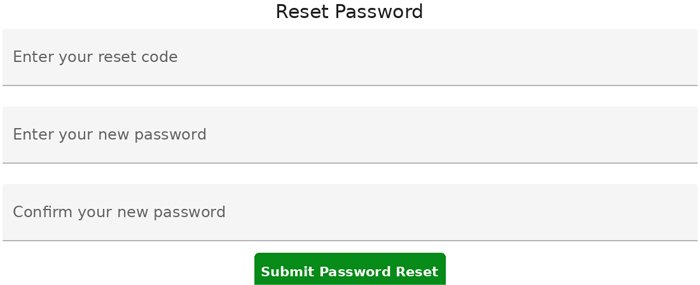
The following page will allow you to enter your reset code, create your new password, and confirm your new password.
Make sure to create one that you’ll easily remember.
After filling out the required fields, click “Submit Password Reset.”
Now, you can try to log into your account with your new password.
What’s in the My Account Menu in the Inmate Canteen?
After logging in, you can explore what Inmate Canteen offers you. You can start from the My Account menu.
Here, you’ll find a few details and instructions, as follows:
-
- Account Information: This tab displays your name, email, and phone number.
- Change Password: This tab allows you to change your Inmate Canteen password.
- Apply as an Attorney: This tab can be used to enter your legal office and your license number. To begin, you’ll have to choose the facilities.
- Manage Preferences: This tab allows you to carry out related approvals, such as receiving email notifications, SMS notifications, SMS messages, and video request notifications. If you agree, you can check the box.
- Transaction History: This tab will show your transaction history, such as purchasing messaging subscriptions, video calls, or sending a gift to inmates.
- Messaging Balance: This tab displays your messaging balance in the last 90 days of history. Through this tab, you can also make a refund request.
How Does the Inmate Canteen Protect Your Personal Data?
If you work with Inmate Canteen, you definitely have to provide your personal information, such as your name, address, telephone number, and bank account. Sure, you might be wondering whether your data is safe or not.
No worries! Inmate Canteen actually protects your personal and payment information with Transport Layer Security (TLS) protocol version 1.2. The data you entered in Inmate Canteen is authenticated using a security certificate issued by a registered certification authority (CA) and encrypted using a 256-bit encryption key.
Sure, your personal information is stored in databases located on computers in secure data centers that are physically protected by electronic security systems, including electronic coded door locks.
The TKC system limits access to any information to certain personnel, meaning that only personnel with legitimate business needs are permitted access.
When it comes to payment and deposit of funds into the account, Inmate Canteen never controls the funds deposited by family members into the inmate’s account.
Inmate Canteen Contact Information
If you have questions related to using Inmate Canteen, you can contact Inmate Canteen via:
💌 By Email: You can send an email to ICCSupport@TKC32M.com.
☎ By Phone: You can chat with Inmate Canteen’s virtual assistant, Rob, by calling 667-265-8182.
✉ By Mail: You can send mail to TurnKey Corrections at 3329 Casey St., River Falls, WI 54022-5852, USA.

Dani Alfin Pratama, S.Kom., is the founder of Tips Dani. With a background in computer science, education, and information technology, he shares educational information, practical tips, and helpful tutorials to help readers learn and solve everyday problems.