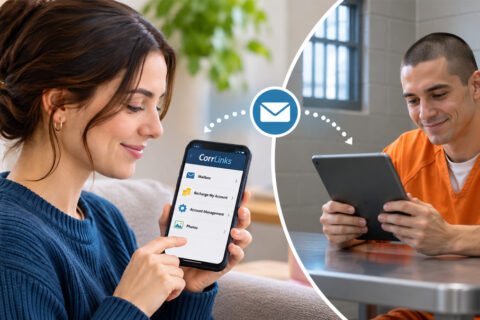
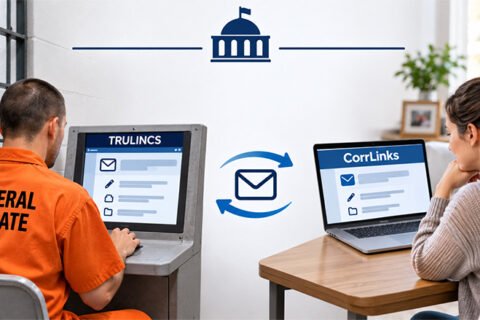
The Federal Bureau of Prisons and a few state prisons in the United States employ CorrLinks, a communication company operated by ATG that allows inmates to send or receive emails from their families or friends. To do so, the inmates can use computers with the TRULINCS system in their facilities.
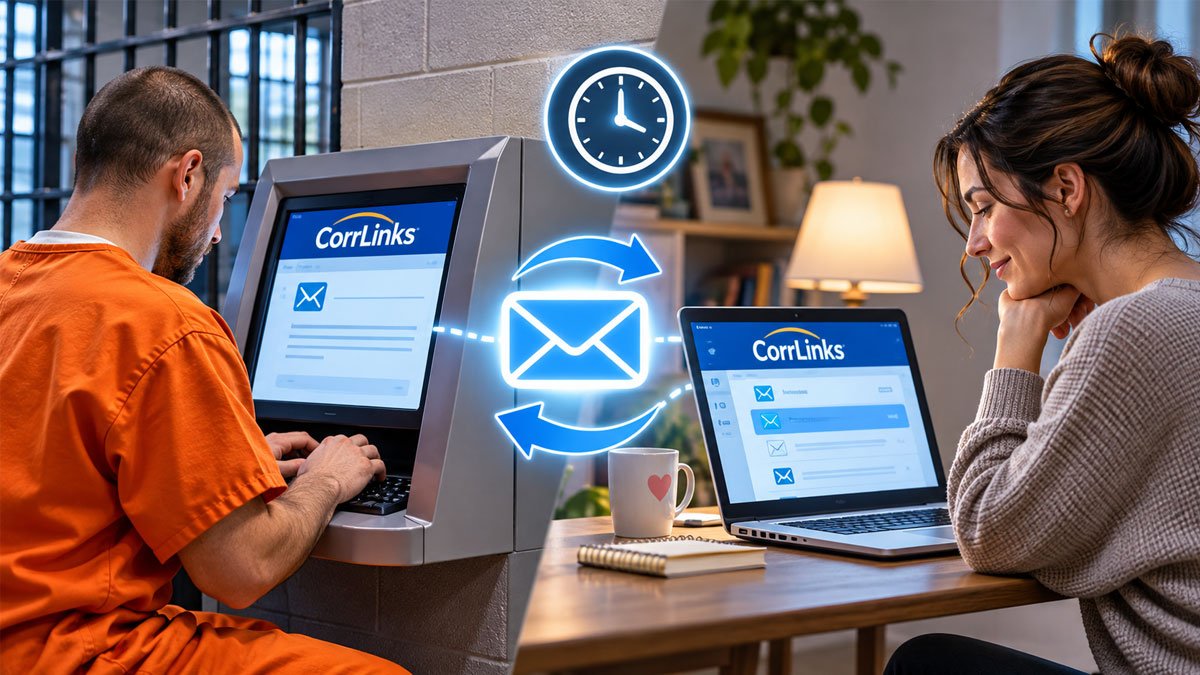
CorrLinks emails do not work like standard emails, like Gmail, where messages can be received directly by the recipient in real-time. But it will take time for the email to be in the recipient’s inbox.
So, if you just sent an inmate an email, when will the person actually receive yours? To know the actual time of acceptance of your CorrLinks email, you can learn it below.
How Does CorrLinks Email System Work?
The way CorrLinks emails work is different from traditional emails, since the message you send will not go directly to the inmate’s email inbox. Instead, it will first go through a digital monitoring and inspection process by the prison staff. Sure, it also applies when the inmate sends emails to you.
Keep in mind that messages from inmates are only sent to your CorrLinks account inbox, not to your personal email account. But you can receive automatic notifications sent to your personal email every time you receive a message from an inmate via CorrLinks, so you can immediately check and reply to messages from your loved one in prison.
To set up these email alerts, you can log into your CorrLinks account and go to the “Account Management” section. Then, you can click “Manage My Person in Custody List.” Last, check the box under email alert beside the inmate’s name.
So, the notification will be sent to the regular email address you signed up with when you receive an email.
Alternatively, you can subscribe to a Premier CorrLinks account for additional features. The following are additional features that the premium CorrLinks account offers:
-
- The ability to send and receive emails from friends within the app without having to log into a CorrLinks account.
- Real-time smartphone push notifications of inmate email messages.
- The mobile app can retain messages on your device for 60 days, while CorrLinks servers retain messages for 30 days.
How to Set Up a CorrLinks Account
In order to share messages with inmates through CorrLinks, your email address should be added first to the TRULINCS system. After that, you’ll receive an email containing the guide to creating a CorrLinks account.
Then, every time you want to send or regularly check emails from the inmate, you need to log into your account.
Here’s how to set up a CorrLinks account!
-
- First, access the CorrLinks website.
- From the homepage, you can click “Create Account.”
- On the registration page, you’ll have to enter your email and password.
- Don’t forget to check the terms and conditions. Then, click “Next.”
- Once you completely fill them out, an account verification will be sent to your email, and you should check it in your inbox.
- Then, click the verification link, and it will take you to the account details page.
- Here, you must provide your correct personal information, which will be used for billing, customer service, and password recovery services.
- Then, click “Next” and follow the on-screen instructions to continue your registration.
How to Send a CorrLinks Email to an Inmate
After you’ve successfully set up an account on CorrLinks, you can then try to send an email to your loved one in prison. It’s pretty simple to do so by doing the following steps:
-
- Log into your CorrLinks account.
- Then, go to the “Mailbox.”
- Click “New Message” to start composing an email.
- Click on the notification that says “Click to add recipients” and check in the box beside the inmate’s name.
- Then, click “OK.”
- Give the subject of the email.
- Last, click “Send.”
It’s important to note that each email does not exceed 13,000 characters, or approximately 2,000 words. These characters include letters, numbers, punctuation marks, and even spaces. The number of messages you can send may also be subject to the facility’s rules.
In addition, messages must use plain text. Images, videos, and other media are not allowed to be attached. If a message violates the applicable rules, it may be rejected before being delivered to the inmate.
CorrLinks Email Delivery Time: How Long Is the Wait?
When you send a CorrLinks email to an inmate, your message will be monitored first, so that inmate will not receive it immediately after it is delivered.
According to the BOP’s current Program Statement 4500.13, all incoming and outgoing emails are held for a minimum of one hour. Emails may be held longer when necessary. Staff must approve or reject an email while it is on hold, or the email will be sent when the hold expires.
This means that emails you send to an inmate in a federal BOP facility are held for at least one hour. Emails that inmates send from the prison are also subject to the same minimum one-hour hold, rather than arriving in your inbox in about 20 minutes.
But in certain conditions, it can depend on the prison staff to deliver the CorrLinks messages to the recipients.
How Much Does It Cost to Send a CorrLinks Email?
When it comes to the cost of sending a CorrLinks email, the company basically does not charge anyone outside the prison when they send or receive emails from inmates through the standard web messaging service. But it also depends on the prison and the contract in question with CorrLinks.
In the majority of the facilities the federal prison is one of them the cost of messaging using the TRULINCS computer system in the facility is completely borne by the inmates, meaning they have to pay the fees to send and/or receive CorrLinks emails from outsiders.
Every time the inmate accesses TRULINCS messaging services, such as composing, reading, and/or exploring messages, they will be charged a fee based on the time spent using the Public Messaging Service. The exact rate should be checked with the inmate’s facility or the current BOP information. But they don’t have to pay for what their contacts do on the system.
To use its messaging services, inmates must purchase “TRU-Units” using available Commissary funds. The number of units required and the applicable charges should be checked with the inmate’s facility. In addition, they can also print a copy of the email for an additional fee.
They can pay this from their commissary or trust fund balance, which is automatically deducted.
Sure, the inmates’ families and friends may send money or add funds to their commissary account so they can continue to send you messages. The amount they need depends on how often they use TRULINCS and the applicable facility charges.
Why Can’t an Inmate Send CorrLinks Email to You?
There are a few reasons why an inmate is not allowed to send or receive CorrLinks messages on TRULINCS. It actually relates to privileges that have been revoked by the facility where they can be restricted from the public messaging system.
And here are the following reasons:
-
- Committing disciplinary violations related to the abuse or misuse of TRULINCS or CorrLinks, such as requesting outside contacts that are not registered in the TRULINCS system or asking family or friends to forward emails to other parties.
- Having a history of threatening prison and community security.
- Receiving disciplinary sanctions that limit inmates from sending emails within a certain time period.
Even so, the BOP provides a process for contacts who have been blocked from communicating with inmates. According to the BOP TRULINCS Topics page, a contact may appeal a block within 15 days by submitting a written request to the Warden of the prison where the inmate is located.

Dani Alfin Pratama, S.Kom., is the founder of Tips Dani. With a background in computer science, education, and information technology, he shares educational information, practical tips, and helpful tutorials to help readers learn and solve everyday problems.