Do you have a CorrLinks account and want to upgrade it to a CorrLinks Premier Account? If the answer to the question is yes, then you have come to the right page, as you will be guided on how to do it here. Make sure to read the following information well.
About CorrLinks
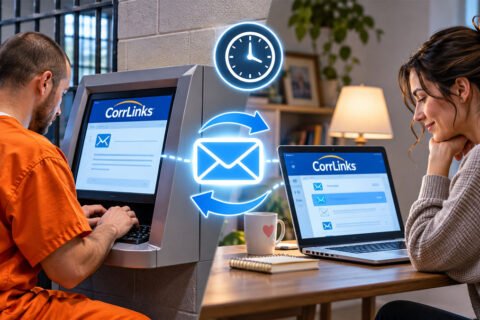
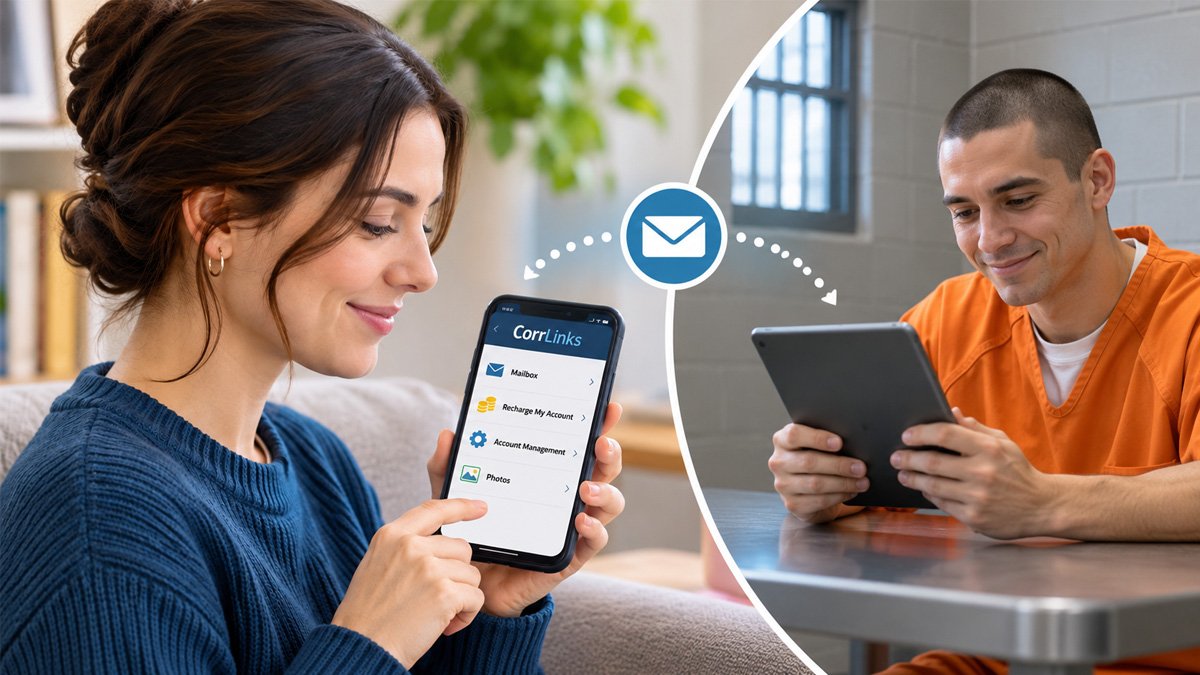
CorrLinks is an electronic messaging platform designed for communication with incarcerated individuals. It is created and owned by a private company called the Advanced Technologies Group. Aside from that, ATG also manages the federal prison inmate MP3 player service.
With CorrLinks, family members and friends of inmates are able to communicate with their loved ones who are currently incarcerated in certain prison systems. It connects with computer systems found in prisons, making it possible for inmates to interact with their loved ones who live outside prison.
The time it takes for an inmate to receive a CorrLinks message may vary. See our guide to message delivery time.
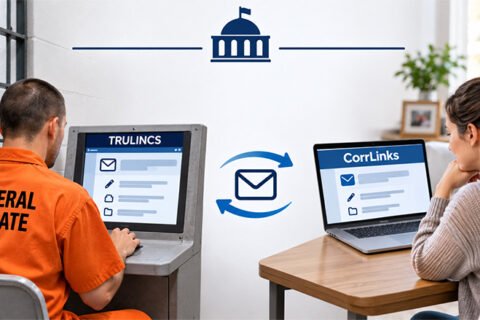
According to the current CorrLinks app description, participating institutions include the Federal Bureau of Prisons, U.S. Navy Brigs in Charleston and Miramar, and Department of Corrections institutions in Iowa, Maine, Massachusetts, Nevada, and Wisconsin.
Federal inmates can also communicate with approved contacts through the TRULINCS system.
About CorrLinks Premier Account
CorrLinks Premier Account refers to one of the premium options offered by CorrLinks. This one is designed to improve connectivity. The price should be checked on the CorrLinks upgrade page or in the app before purchasing, as the displayed price may vary by platform and region. By subscribing, you will be able to get a number of benefits, such as:
-
- Stay in contact with your loved ones behind bars with real-time alerts and get immediate push notifications to your device every time there is a new message.
- Eliminate login on a mobile device.
- Automatically have your messages downloaded to your inbox. These messages will be available on your local device with faster access.
- Keep previously read messages in your inbox. It means there is no need for you to download them again if you want to re-read them.
- Retain messages on your device for 60 days instead of 30 days. However, CorrLinks servers still retain messages for only 30 days.
- Attach a maximum of three of your mobile devices, such as a phone, tablet, etc., to your account.
- Eliminate CAPTCHA on the mobile app, making it easy for you to pass the verification process.
- Have native iPhone, iPad, and Android applications available for a richer user experience.
Please note that a paid Premier Account subscription is required to use the CorrLinks mobile app. You can check the CorrLinks app on Google Play or the CorrLinks app on the Apple App Store for more information about its features and availability.
Things to Do Before Getting a CorrLinks Premier Account
Before getting a CorrLinks Premier Account, you will need to follow the following instructions if you are a first-timer. However, if you already have a CorrLinks account, you can skip some parts and just log in to your CorrLinks account and then upgrade it to a CorrLinks Premier Account.
-
- The first thing that you should do is to go to the official website of CorrLinks.
- When you are on the homepage, click the yellow Register button.
- On the Sign Up page, enter your first name and last name. Please enter the name written on your credit card because it will be used for verification in case of any financial transactions, such as an upgrade to a Premier Account.
- Then, enter your email address twice.
- Next, choose a password and retype it. For the password, it should be no less than 8 characters. Besides, it should also include at least 1 uppercase letter (A-Z), 1 lowercase letter (a-z), and 1 number.
- After that, enter the identification code, the one that you may receive in an invitation email.
- Once you are done, tick the “I am over 18 and I have read and agree to the Terms and Conditions” box and click Next.
- Now, open your email address and find an email from CorrLinks in the inbox.
- Once you find it, click the link.
- On the new page, complete the setup by providing some information, such as your first and last name, address lines 1 and 2, city, county, state, zip code, phone number (daytime), and phone number (evening).
- After providing these details, verify that you are not a robot.
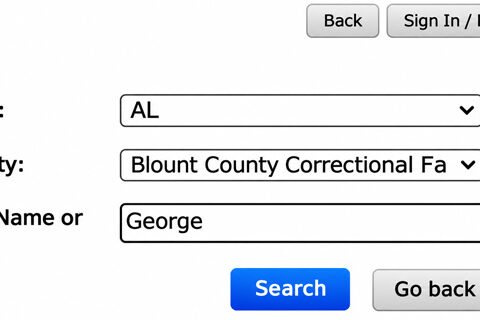
- In the next step, you will have to add an inmate by choosing a correctional agency and entering the inmate’s number.
- By doing so, the information related to the inmate will be displayed on the right side of the screen.
- Now, choose your relationship with the inmate.
- If the information related to the inmate is correct, click Accept and then Next.
- On the Home page, log in to your CorrLinks account by entering your email address and password, clicking the Login button, and confirming that you are not a robot.
Getting a CorrLinks Premier Account
Once you have successfully logged in to your CorrLinks account and are on the main screen, you can upgrade your account to a Premier Account. In order to upgrade it, here are the steps to follow:
-
- First and foremost, click the Premier Account link found on the main screen.
- Another way is to click Account Management and choose Upgrade to Premier Account.
- On the new page, fill out the required information, including your first and last name, address lines 1 and 2, city, county, state, and zip code.
- Do not forget to also read the benefits of upgrading to a Premier Account on the left side of the page and check out the upgrade amount, transaction fee, total sales tax, and total charge on the bottom of the page.
- After that, click Next.
- From there, you can just follow the on-screen instructions.
Please check the final amount displayed before confirming your purchase, as the price and applicable charges may vary.
Bottom Line
It is easy to get a CorrLinks Premier Account, especially if you already have a CorrLinks account. Plus, it will also not take too much of your time. All that you have to do is to log in to your account, click Premier Account or Upgrade to Premier Account, provide the information, and follow the on-screen instructions. In case you encounter some issues while trying to get one, you are recommended to submit a customer support request at CorrLinks Help.

Dani Alfin Pratama, S.Kom., is the founder of Tips Dani. With a background in computer science, education, and information technology, he shares educational information, practical tips, and helpful tutorials to help readers learn and solve everyday problems.