Every time you make a transaction on JailATM, such as buying a messaging subscription, making a deposit, or ordering commissary items for inmates, you’ll be required to select a payment method.
JailATM accepts card payments. However, not all cards are compatible with the service. If you want to use JailATM, it’s best to know which cards are accepted so you can complete your payment without unnecessary problems.
Okay, let’s figure out the details below!
What Cards Are Accepted on JailATM?
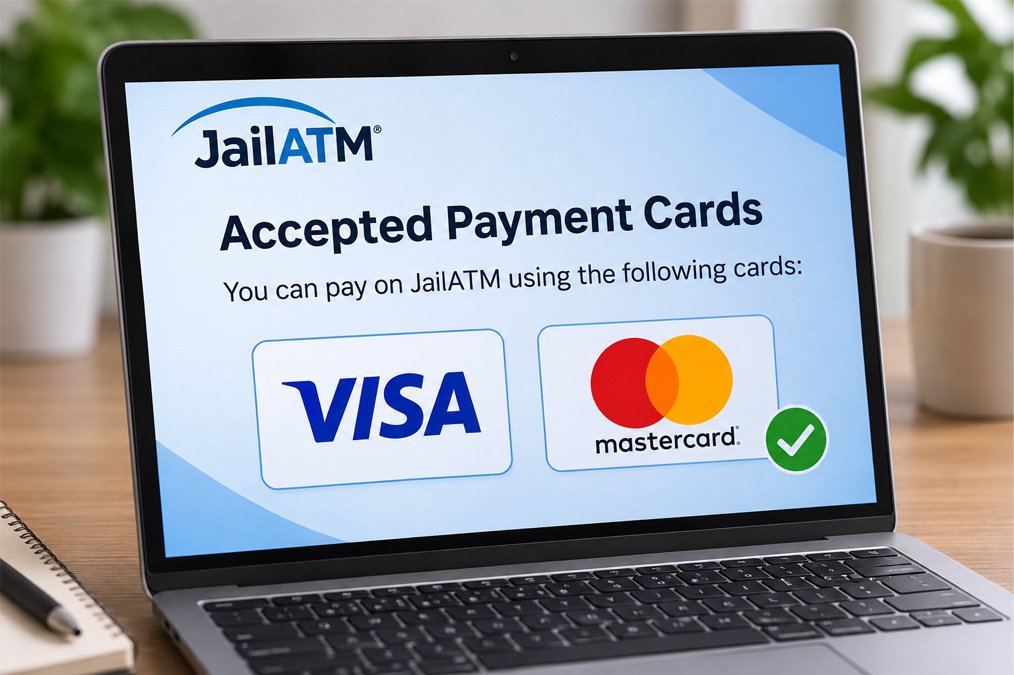
You can make a payment on JailATM with your debit and credit cards. The types of cards that JailATM currently accepts are:
- Visa
- Mastercard
Prepaid cards are not supported on JailATM. Although other cards may work with different payment systems, JailATM does not support cards that are not included in its accepted payment methods.
If you want to learn more about JailATM’s payment methods, I recommend checking its official support page. It can help you find additional information about payments and resolve issues you may encounter when using the service.
How to Add a Card to Make a Payment on JailATM
You can complete your transaction on JailATM after adding a payment method to your account. This is where you need to add your card for payment.
You simply do the following steps:
- Log into your JailATM account at https://deposits.jailatm.com/webdeposits/.
- Navigate to “My Account.”
- From your account page, select “Settings” and click “Payment Methods.”
- On the next page, click “New.” If you’ve added a card before, it will be displayed here.
- Enter your payment information in the available fields.
- Don’t forget to check the box beside the messaging subscription payment option if you wish to use this card to pay for your messaging subscription.
- Then, click “Save.”
Now, you can use the card as a payment method on JailATM.
How to Remove a Card on JailATM
For some reasons, you may want to change your payment method on JailATM. Sure, it’s pretty straightforward to do, just like when you added it.
Here’s how!
- On the “My Account” page, click “Settings” and choose “Payment Methods.”
- On the following page, select the card that you want to remove or edit.
- Click “Edit.”
- Here, you can either edit your payment details or click “Remove” to delete your card.
Note: You must cancel your messaging subscription before you can remove the card or edit the card information currently being used for that subscription.
How to Use Your Card to Make a Deposit on JailATM
Once you add a card as a payment method to your JailATM account, you can use it to send money to an inmate. To make a deposit on JailATM, simply follow these steps:
- Log into your JailATM account.
- On the homepage, click “Send Money Now.”
- Select a state and the facility where the inmate is incarcerated.
- Enter at least three characters of the inmate’s last name or their ID. Then, click “Search.”
- The next page will show the search results. Make sure to select the correct inmate.
- Enter the amount of money you want to deposit and provide your payment information.
- Check the box after reading the terms and conditions, then click “OK.”
- Before sending the money, review your deposit details.
- If everything is correct, click “Send Money” to complete the transaction.
It is important to note that JailATM processes deposits as cash advance transactions. Depending on your card issuer, you may also be required to complete an additional security verification before your payment can be processed.
What Is Payer Authentication on Your Card?
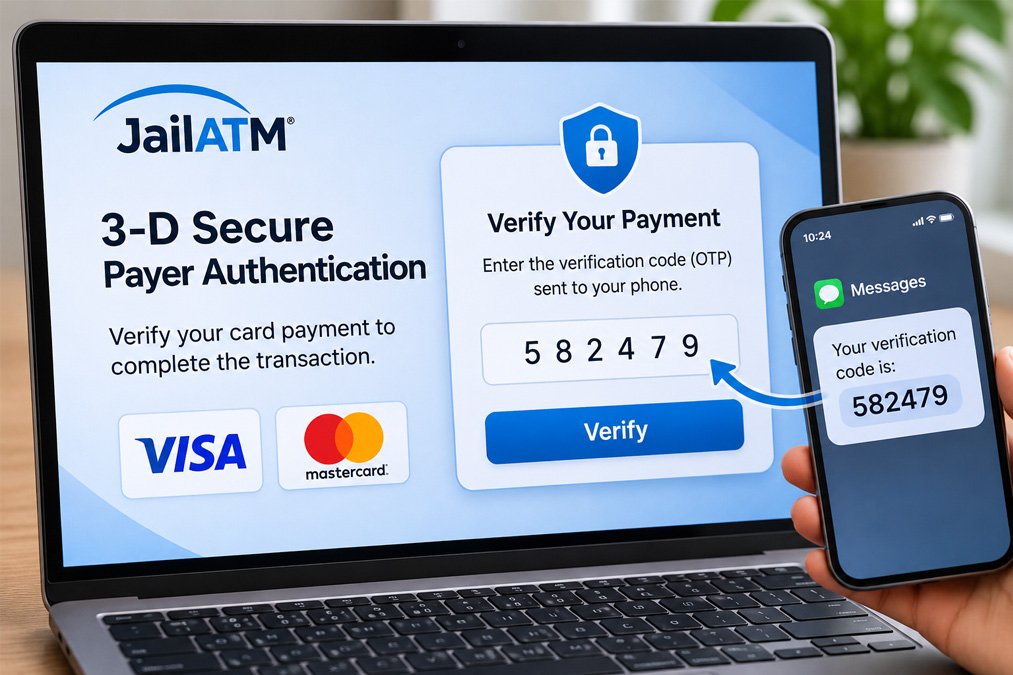
Whether you’re using Visa or Mastercard as your payment method on JailATM, you may encounter a payer authentication process to verify that you’re the legitimate cardholder.
This security process is part of 3-D Secure (3DS), which helps protect cardholders against unauthorized transactions. During the payment process, your browser may redirect you to a security page where you’ll need to complete the verification requested by your card issuer. This may involve entering a one-time password (OTP) or another security code.
What If Your Payer Authentication Gets an Error?
When you try to complete a transaction on JailATM but receive the message “Payer Authentication has failed,” it means the authentication process was unsuccessful, and your payment was declined.
In another case, you may receive a notification saying “Payer Authentication was unable to complete.” This can happen when your card issuer requires additional security verification but the authentication page does not load or cannot be completed.
If you have difficulty completing the verification, contact your card issuer using the phone number on the back of your card. They can help you check your card’s authentication settings and resolve the issue.
Why Do You Fail When Making Transactions on JailATM?
Not all transactions on JailATM go smoothly; some of them may fail. This could happen for several reasons, including the following:
Invalid Card
Your transaction may fail if you use a card that is not supported by JailATM. As mentioned above, Visa and Mastercard are the payment cards currently listed as accepted by the service. Prepaid cards are not supported.
Cash Advance Transactions
All deposits you make on JailATM are processed as cash advance transactions. However, some cards may not support this type of transaction. It’s best to call the number on the back of your card to find out whether your card issuer allows cash advance transactions.
Bank Declined
Transaction failures on JailATM can also occur when your bank declines the payment. To find out why this happens, you can contact your bank or card issuer.
If you experience a failed transaction, try to identify the reason before making another payment. This can help you resolve the issue and avoid repeated payment failures on JailATM.